SEO is the long game (we covered it in Part 3). But sometimes you don’t want to wait months to climb the rankings — you want customers this week. That’s exactly what Google Ads can do: put you at the very top of the results almost instantly. The catch? It’s also one of the easiest ways to set money on fire if you don’t know what you’re doing.
So let me show you how paid search really works — and how to spend on it without wasting it.
📢 This is Part 4 of my “Get Customers Online” series. A 10-part, plain-English guide to digital marketing for business owners. You can see every part of the series here — bookmark it and follow along.
How Google Ads actually works
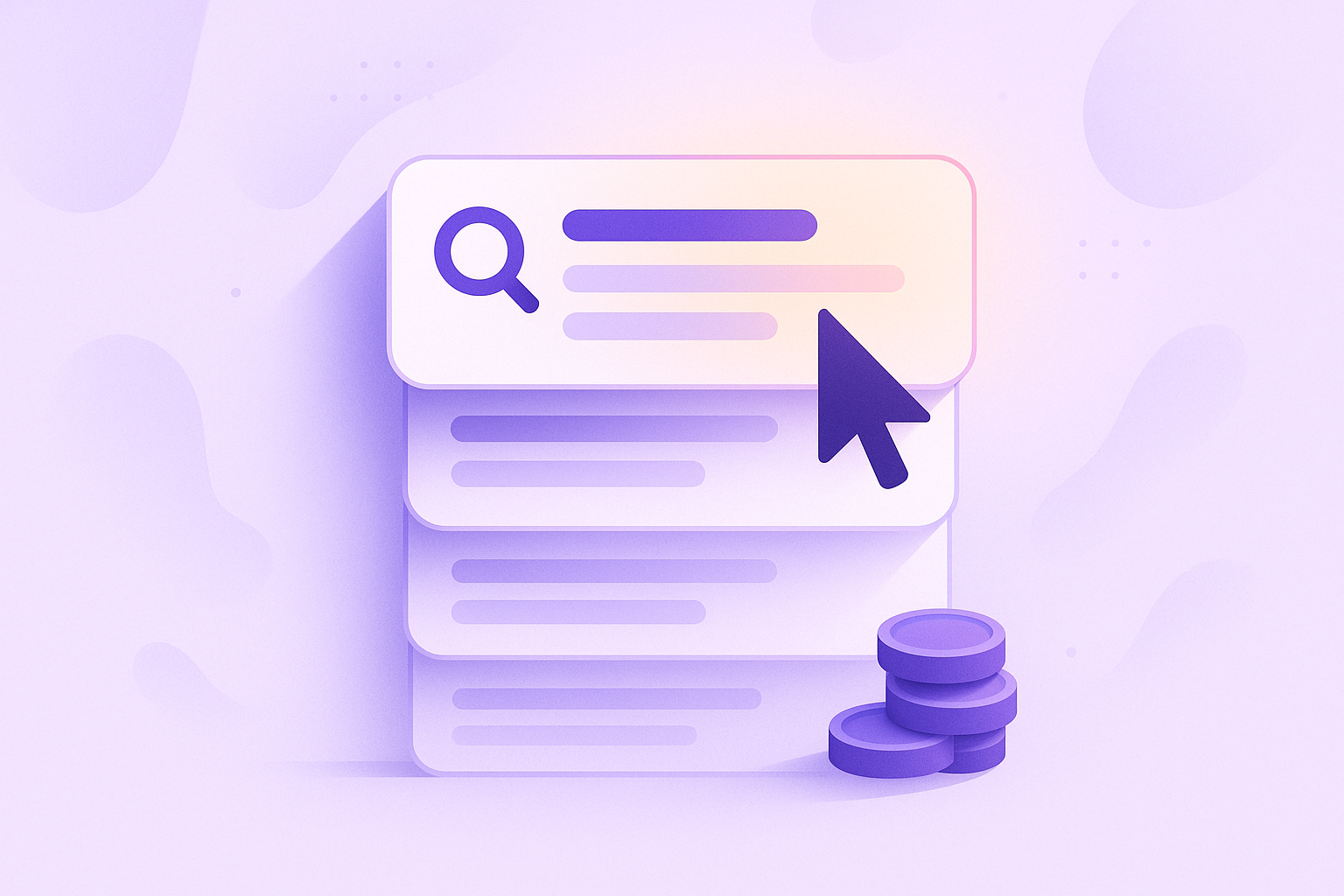
Those top results marked “Sponsored” are ads. Businesses bid to appear there, and — this is the key part — you only pay when someone actually clicks (that’s why it’s called Pay-Per-Click, or PPC). No click, no charge. You set a daily budget, choose the searches you want to show up for, and Google does the rest.
The beauty is speed and control: you can be at the top of Google within hours, target exactly the searches that signal “ready to buy,” and turn spending up or down whenever you like. The danger is that an untended account quietly burns budget on clicks that never become customers.
SEO vs Google Ads — which, when?
| SEO | Google Ads | |
|---|---|---|
| Speed | Slow to build (months) | Instant (hours) |
| Cost | Free clicks once you rank | Pay for every click |
| Lasts | Keeps working long-term | Stops when you stop paying |
| Best for | Long-term, compounding growth | Fast results, launches, testing |
It’s not either/or. Many businesses use ads for instant visibility while SEO builds in the background — then lean more on free organic traffic over time. Ads are also brilliant for testing which messages and offers convert before you invest in ranking for them.
How to not waste money
- Target buying intent, not browsing. Bid on “buy”, “hire”, “near me”, “quote” searches — not vague research terms that rarely convert.
- Use negative keywords. Tell Google what NOT to show you for (e.g. “free”, “jobs”, “DIY”). This single step saves a fortune.
- Send clicks to a focused landing page, not your homepage. The page should match the ad and have one clear action. (More on this in Part 8.)
- Track conversions. If you don’t measure which clicks become enquiries, you’re flying blind. Set this up before you spend a penny.
- Start small and refine. Begin with a modest daily budget, watch what works, cut what doesn’t, and scale the winners.
⚠️ Don’t just click “boost” or accept Google’s default setup. Google’s automated suggestions are designed to help you spend, not necessarily to make you money. The defaults often include broad targeting that drains budget fast. A few deliberate settings — negative keywords, tight targeting, conversion tracking — are the difference between profit and a costly experiment.
🚀 The takeaway: Google Ads buys you instant visibility, but only pays off with the right targeting, negative keywords, a focused landing page, and conversion tracking. Start small, measure everything, and scale what works. Done well, it’s a tap you can turn on whenever you need more customers.
What’s next in the series
SEO and ads get people to you. But what makes them trust you enough to buy? In Part 5, I’ll cover content marketing — winning customers by being genuinely useful. Follow the full series here.
Thinking about Google Ads but worried about wasting budget? Setting up and managing PPC that actually returns a profit is something I do for clients every day. See how I can help with Google Ads — or just reach out and say hi.